Deposit & Withdrawal Guide
Before you can start trading on Jasper Vault, you need to transfer funds to your DEX account. This guide walks you through the deposit and withdrawal process.
Getting Started
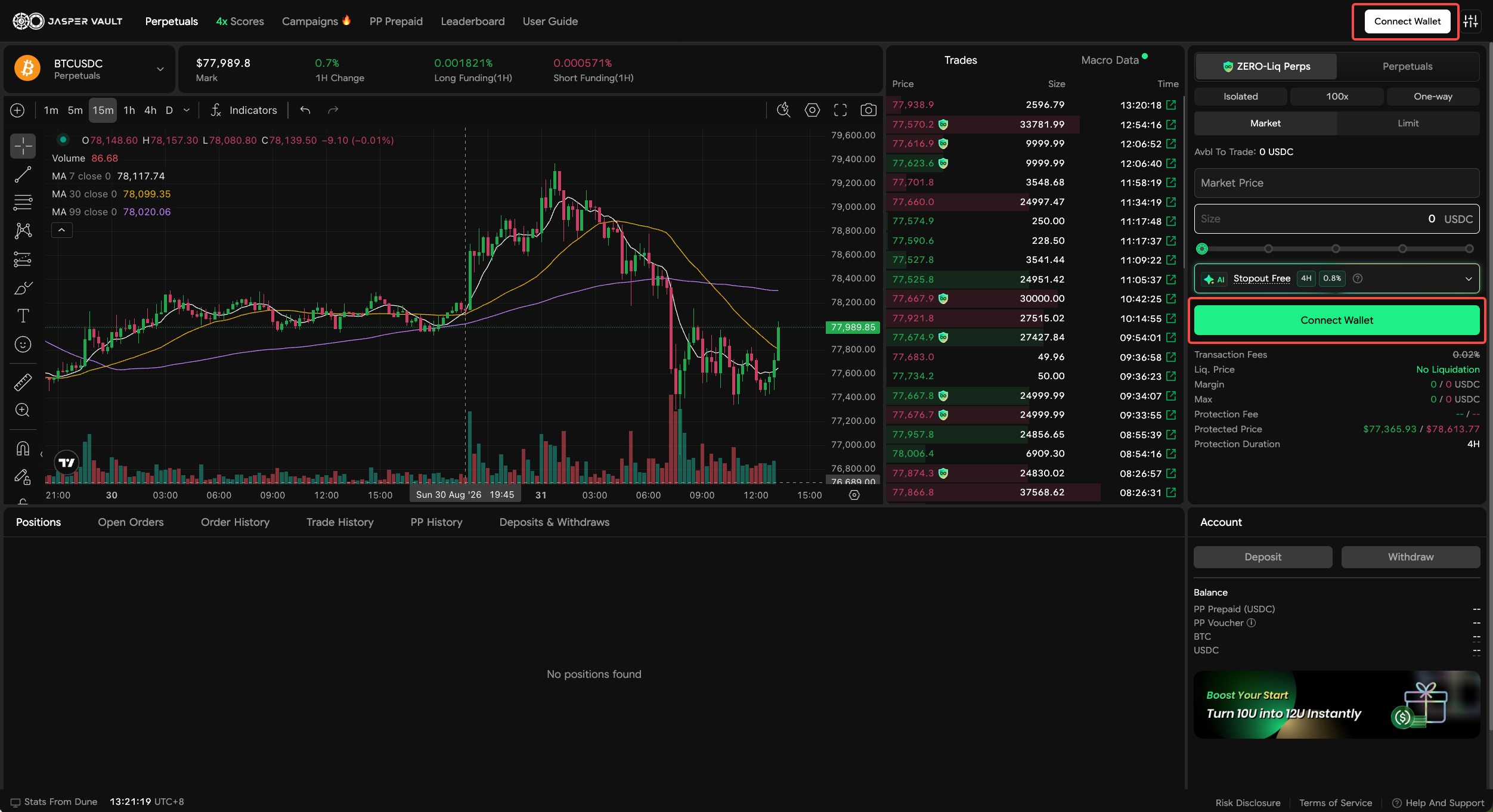
Section titled “Getting Started”In Jasper Vault, connect your wallet by clicking the [Connect wallet] button in the top right corner of the UI.
How to Deposit
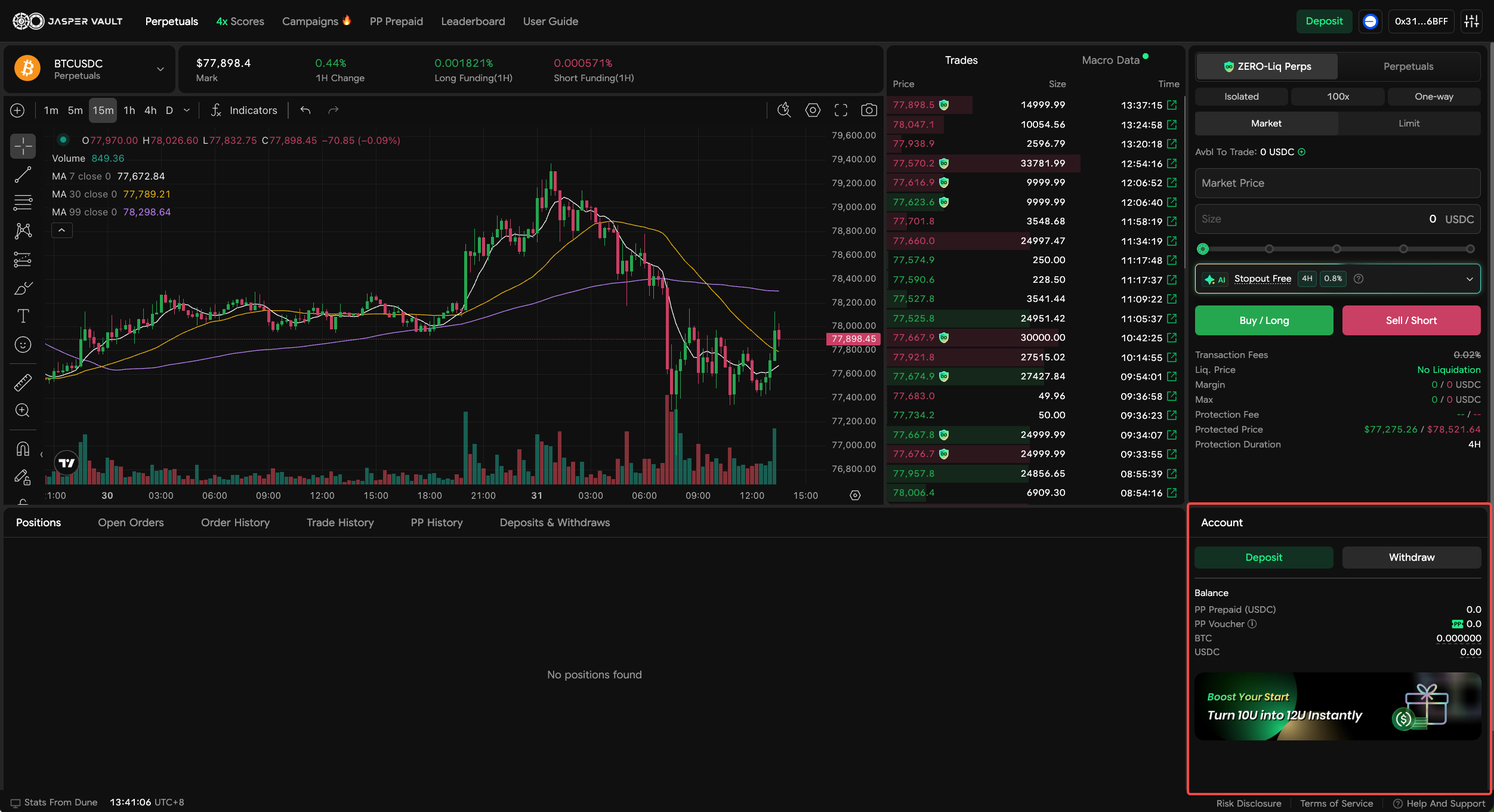
Section titled “How to Deposit”Click the [Deposit] button.
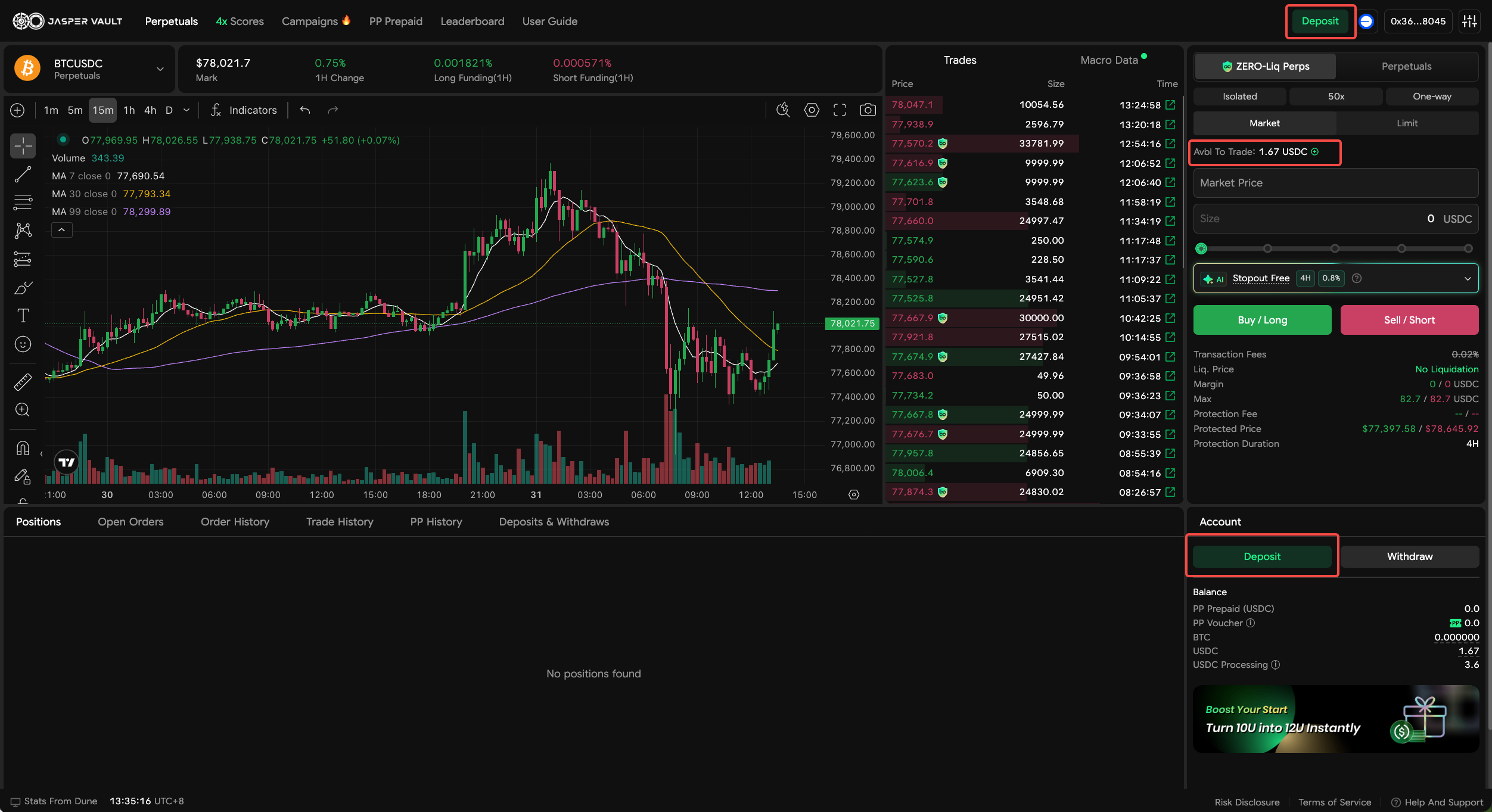
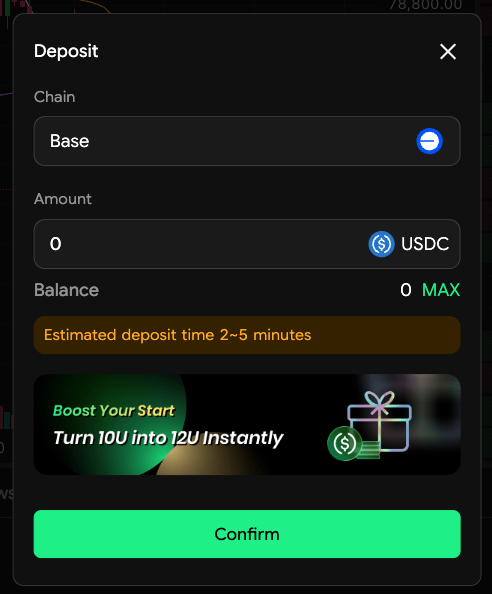
After a couple of minutes (a short wait), your deposited balance will appear in your Account.
How to Withdraw
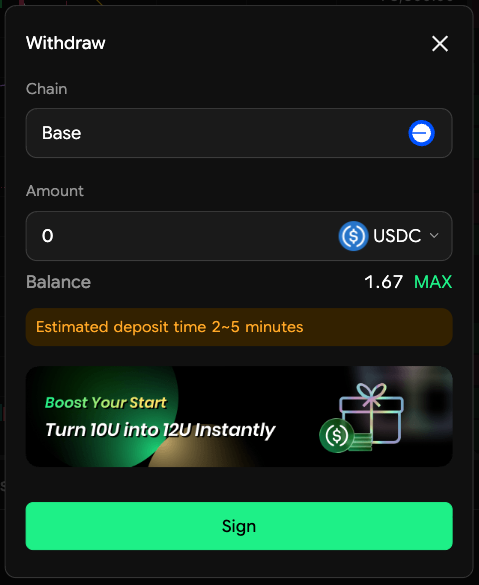
Section titled “How to Withdraw”Click the [Withdraw] button.
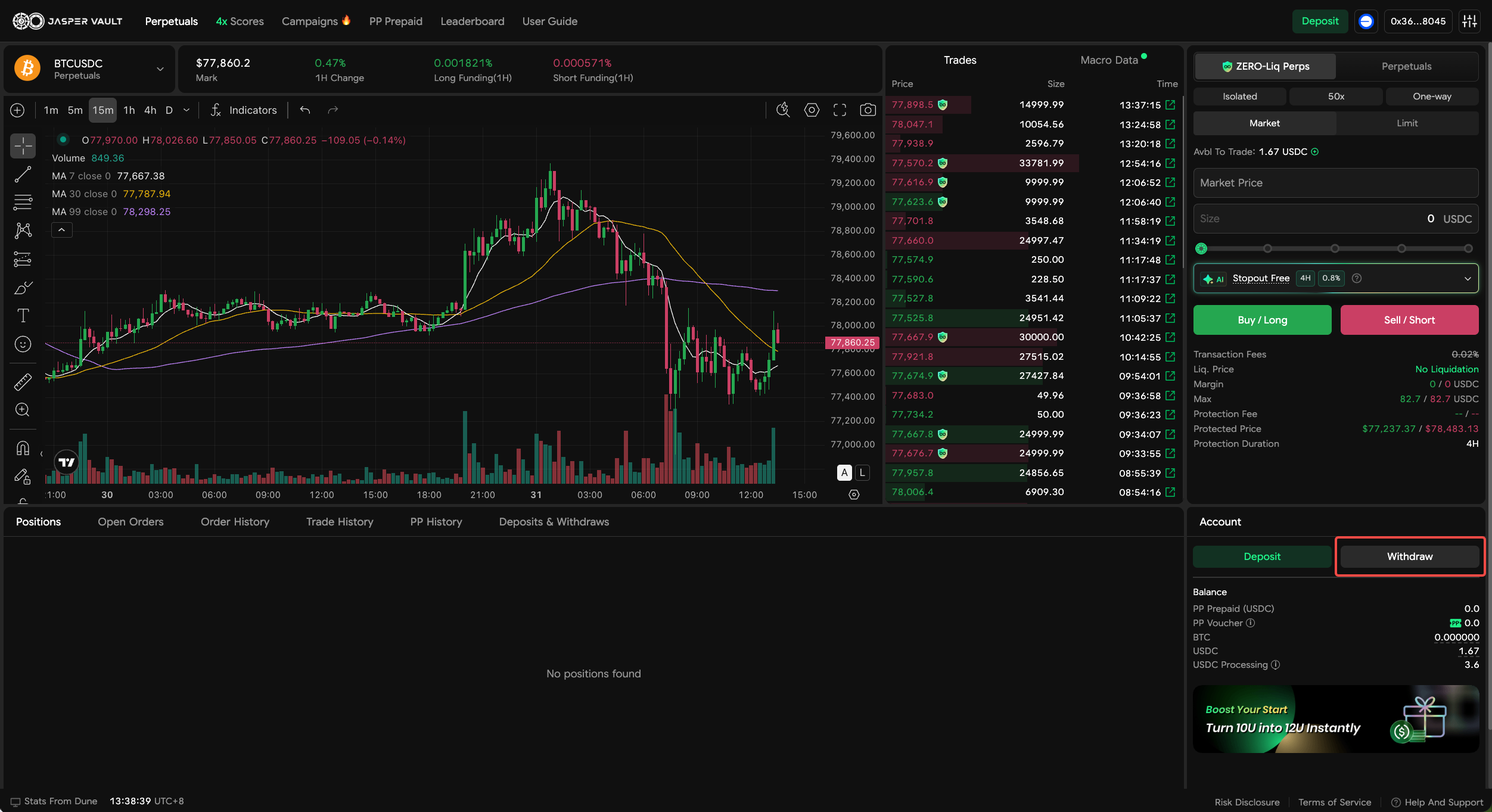
Select the network, token, and amount to withdraw.
Approve the transfer in your wallet.
Your withdrawn funds will arrive in your wallet within a few minutes.